
Introduction
Choosing the right storage device is a vital decision that can significantly impact your computer’s performance. With SATA Hard Drives and Solid State Drives (SSDs) offering distinct advantages, understanding these differences is crucial. This guide will walk you through their features, performance metrics, cost implications, and usage scenarios to aid your decision-making.

Understanding SATA Hard Drives
What is a SATA Hard Drive?
SATA Hard Drives, commonly referred to as HDDs, employ spinning magnetic disks for data storage. These disks are read by a mechanical arm, similar to how a record player works. This longstanding technology remains popular for various storage applications.
Key Features of SATA Hard Drives
Key features of SATA hard drives include:
– Ample storage capacity at an economical price point.
– Slower data retrieval speeds compared to SSDs.
– Increased size due to mechanical components.
Pros and Cons of SATA Hard Drives
Pros:
– Cost-efficient for extensive data storage needs.
– Offers reliable long-term use with adequate maintenance.
Cons:
– Limited speed and longer read/write times.
– Susceptible to physical damage due to moving parts.
Delving into Solid State Drives
Having examined what SATA hard drives entail, let’s delve into Solid State Drives (SSDs) and see how they compare. SSDs present a modern approach to storage that eliminates the mechanical elements of traditional disks.
What is a Solid State Drive?
Solid State Drives utilize flash memory chips to store data without any moving parts, thus providing enhanced speed and durability compared to their mechanical counterparts.
Key Features of Solid State Drives
Distinctive features encompass:
– Quick data access and retrieval times.
– Reduced power consumption, benefiting laptop battery life.
– Compact build, feasible for modern, lightweight devices.
Pros and Cons of Solid State Drives
Pros:
– Faster system boot and application load times.
– Durable and less prone to physical shocks.
Cons:
– Higher cost per gigabyte compared to HDDs.
– Limited lifespan linked to a finite write cycle, though recent advancements have improved durability.
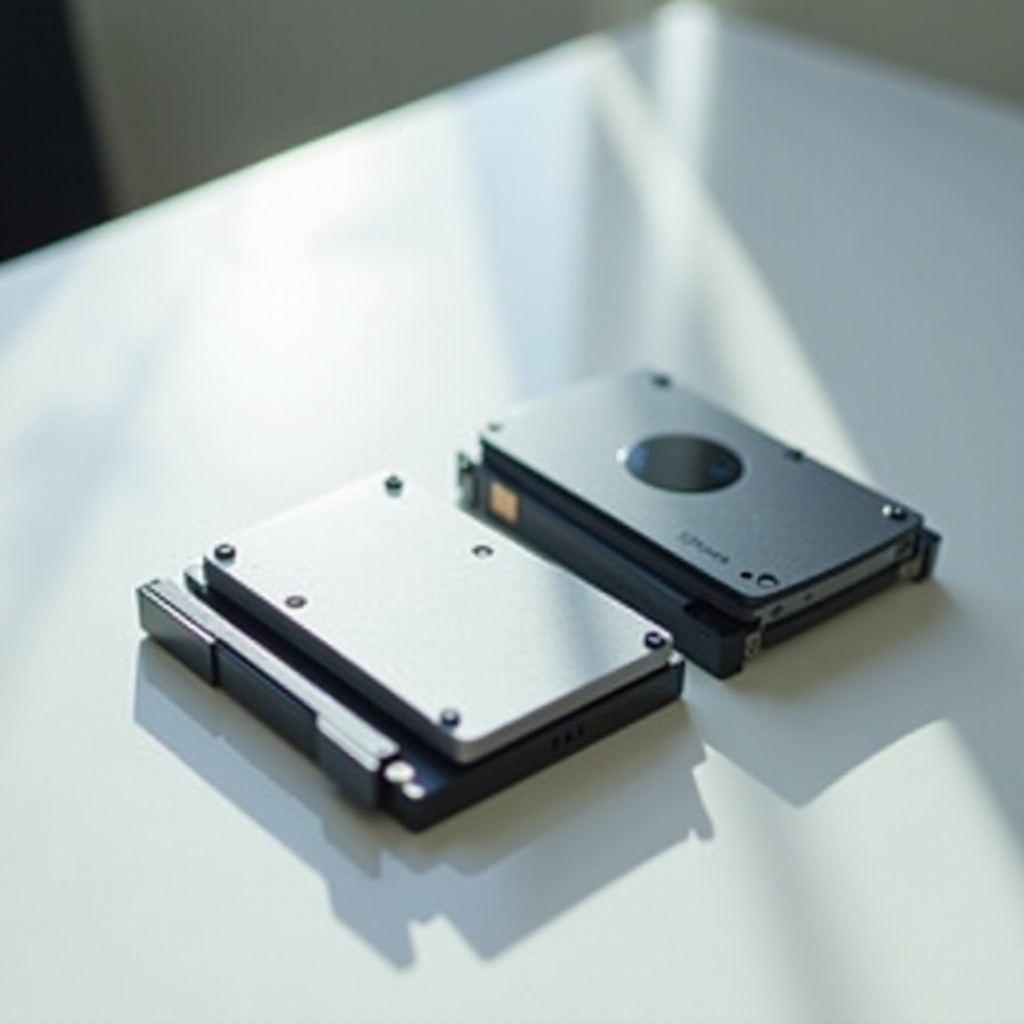
Performance Comparison: Speed and Efficiency
When comparing performance, SSDs clearly outpace HDDs. Average speeds for SATA hard drives hover around 80-160 MB/s, but SSDs can exceed 550 MB/s. This results in remarkably faster boot times, swift data transfers, and an overall increase in system responsiveness. Moreover, efficiency gains from SSDs come from their lower energy consumption, which is advantageous especially for portable devices.
Reliability and Durability: SATA vs SSD
In terms of reliability and durability, SSDs offer robust performance due to their lack of moving parts, making them less vulnerable to physical damage. In contrast, the mechanical nature of SATA hard drives predisposes them to potential wear over time. SSDs’ resistance to drops and impacts makes them particularly suitable for users on the move.
Cost Considerations and Market Trends
Analyzing costs reveals that SATA hard drives offer superior storage economy per gigabyte. They are thus more accessible for users requiring substantial storage without high expenditures. However, SSD prices have been decreasing as technology advances, closing the affordability gap. With growing storage demands and the progression of flash memory innovations, SSDs are becoming a viable mainstream choice.
Use Cases: Which One is Right for You?
Deciding on SATA versus SSD will depend on specific usage needs. The best choice hinges on your priorities, from speed and durability to storage capacity and budget.
Best Scenarios for SATA Hard Drives
- Archiving and backups: Perfect for voluminous data storage needs with minimal financial outlay.
- Home systems: Suitable for setups where speed is not a primary concern, but capacity is.
Best Scenarios for Solid State Drives
- Performance-critical applications: Ideal for gamers and professionals who require rapid load and processing times.
- Portability: Essential for users reliant on laptops and tablets due to durability and efficiency.

Future Trends in Storage Technology
With advancements in storage technology, both HDDs and SSDs are on evolutionary paths. Features like NVMe SSDs are setting new speed benchmarks, while innovations in flash memory promise cost-effective and capacious SSD solutions. As we proceed, technology will further redefine and expand storage capabilities.
Conclusion
Choosing between SATA hard drives and SSDs depends on your individual needs and budget constraints. SATA drives are budget-friendly for large capacity needs, while SSDs excel in speed and durability. Evaluating the pros, cons, and your specific use case will guide you to the ideal storage solution.
Frequently Asked Questions
What is the main difference between SATA and SSD?
The main differences are speed and technology. SATA uses mechanical disks for data storage, while SSDs use flash memory, offering faster speed and reliability.
Do SSDs last longer than SATA hard drives?
SSDs tend to last longer as they have no moving parts, reducing wear. However, lifespan depends on write cycles, with newer SSDs having improved longevity.
Are there cost benefits to choosing SATA over SSD?
SATA hard drives offer better cost per gigabyte, making them a cost-effective solution for large storage needs despite slower speeds.