
Introduction
If your Xbox controller is malfunctioning, it can disrupt your gaming sessions. Whether you are dealing with unresponsive buttons or connection issues, knowing how to repair an Xbox controller can save time and money. In this comprehensive guide, we’ll outline the steps to diagnose and repair common issues so you can maintain your controller’s functionality.
Tools and Materials Needed
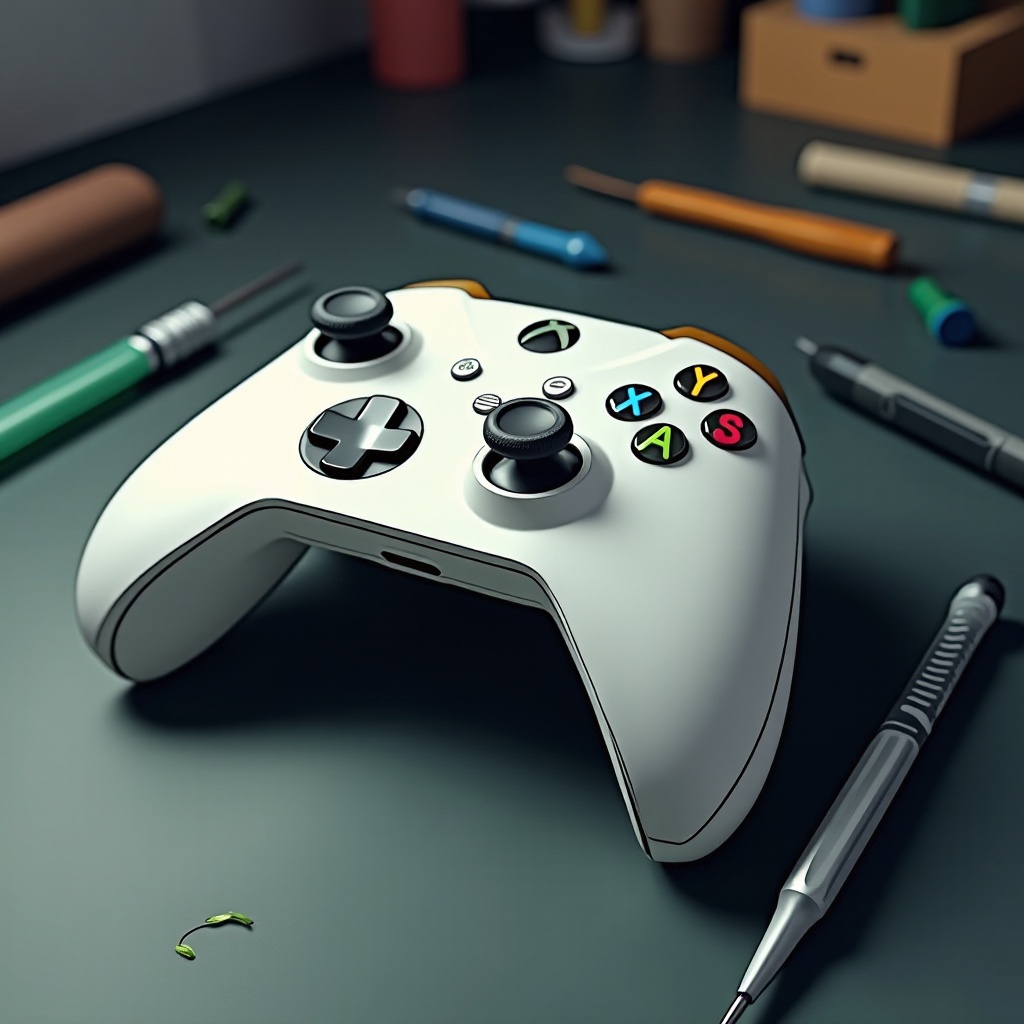
Before you start the repair process, gather all necessary tools and materials. These tools are essential for a smooth and successful repair:
- Screwdrivers: A small Phillips-head screwdriver for disassembling the controller.
- Pry Tool: A plastic pry tool to open the casing without causing scratches.
- Rubbing Alcohol: Essential for cleaning and removing sticky residue.
- Cotton Swabs: Useful for reaching small and delicate parts.
- Replacement Parts: Buttons or sticks in case they need replacing.
With these tools at your disposal, you are prepared to begin identifying and fixing the issues with your Xbox controller.
Identifying Common Problems
Understanding what is wrong with your controller is crucial for effective repair. Here are some common problems you may encounter:
- Sticky or Unresponsive Buttons: Test each button for responsiveness. Sticky buttons may require cleaning or replacement.
- Analog Stick Drift: If characters move on their own, there’s likely an issue with the analog sticks.
- Connectivity Issues: Ensure the controller is charged and within range. A faulty sync process might require troubleshooting.
Once you have identified the symptoms, proceed with disassembling the controller to perform repairs.
Disassembling Your Xbox Controller
Careful disassembly ensures you avoid further damage to your device.
- Remove the Batteries: If the controller uses removable batteries, take them out.
- Unscrew the Back Plate: Use a Phillips-head screwdriver to remove the screws.
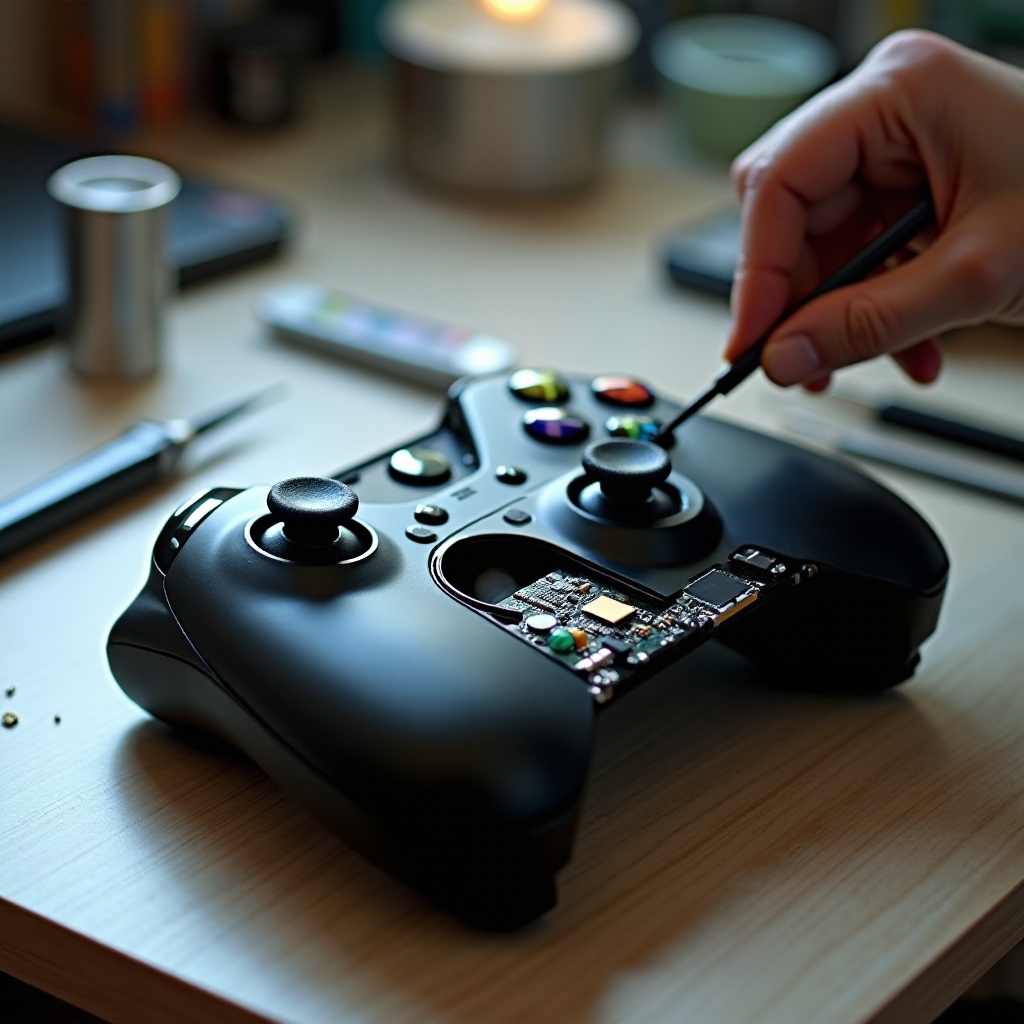
- Gently Pry Open the Casing: Insert a plastic pry tool between the seams to open the casing carefully.
With the controller open, you can now address specific issues that might be affecting its performance.
Repairing Specific Issues
Here are the steps to resolve common Xbox controller problems:
- Fixing Sticky or Unresponsive Buttons: Clean around the buttons with a cotton swab dipped in rubbing alcohol. If buttons are severely damaged, replace them.
- Solving Analog Stick Drift: Clean dust and debris from the base of the sticks. If drift persists, consider replacing the module.
- Addressing Connection Issues: Make sure the controller’s firmware is updated and inspect the wireless module for damage. Replace if necessary.
After addressing these issues, it’s time to reassemble your Xbox controller.
Reassembling the Controller
Follow these steps to correctly reassemble your Xbox controller:
- Align the Components: Ensure all buttons and sticks are properly positioned.
- Snap the Casing Together: Press the halves of the casing together until you hear a click.
- Secure with Screws: Replace and tighten the screws using the screwdriver.
- Insert Batteries: Replace the batteries and test the controller to confirm everything works.
With the controller repaired and functional, it’s important to practice preventative maintenance.
Preventative Maintenance
Regular maintenance is key to extending the life of your controller.
- Regular Cleaning: Wipe down the controller with a microfiber cloth weekly.
- Store Properly: Keep the controller in a dry, cool place to avoid moisture damage.
- Gentle Use: Avoid dropping the controller or slamming buttons to prevent damage.
Proper maintenance minimizes future repairs and keeps your gaming smooth. Let’s conclude with a reminder of the benefits of learning these repair skills.
Conclusion
Repairing an Xbox controller yourself can be empowering and cost-effective. By following this guide, you equip yourself with the skills to fix common issues and prolong the lifespan of your gaming controller. Embracing these skills ensures that you’ll always be ready for the next gaming session.
Frequently Asked Questions
What are the most common Xbox controller problems?
Sticky buttons, analog stick drift, and connectivity issues are frequent problems.
How often should I perform maintenance on my Xbox controller?
Perform maintenance checks every few months and clean your controller monthly.
Is it worth repairing an Xbox controller or should I just buy a new one?
Repairing your controller is often more cost-effective, especially for minor issues. Extensive damage may warrant buying a new controller.