
Introduction
Choosing an Onn soundbar can elevate your audio experience without breaking the bank. Setting it up correctly ensures you get the most out of this compact yet powerful device. Whether you want to enjoy movies, music, or games, proper setup is key to achieving those crystal-clear sounds. Follow our detailed guide to unlock your soundbar’s full potential easily.
Unboxing and Initial Setup
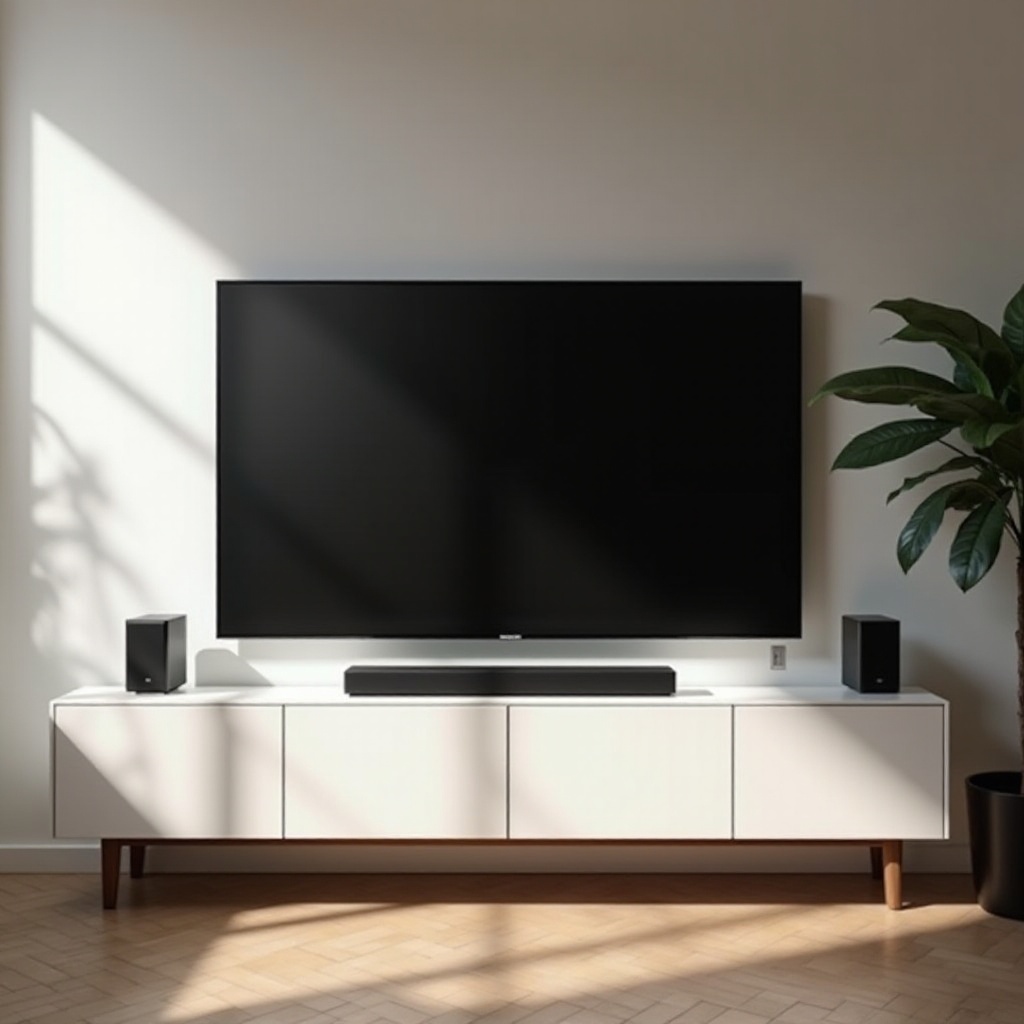
Start by unpacking your Onn soundbar carefully. Verify that you have all the necessary components such as the soundbar unit, remote control, power cables, and any mounts or stands. A thorough check ensures nothing is missing, essential for a smooth setup.
What’s in the Box?
– Soundbar unit
– Remote control
– Power adapter and cables
– Manuals and warranty
Essential Setup Tools and Preparations
Prepare a screwdriver, measuring tape, and cleaning cloths. Decide on the best spot for the soundbar, typically right below your TV. Cleaning the area beforehand helps prevent dust interference and secures the hardware firmly.
Connecting Your Onn Soundbar to Devices
Connecting your soundbar to devices is a critical step. Options such as HDMI ARC, Optical Audio, and Bluetooth offer varied ways to link your soundbar to your TV or other devices.
HDMI ARC Connection
HDMI ARC provides superior sound quality. Connect one end of your HDMI cable to the TV’s ARC port and the other to the soundbar’s ARC port. Power both devices and enable the HDMI ARC option from your TV’s settings.
Optical Audio Connection
If HDMI ARC isn’t feasible, use an optical audio cable. Connect it from the TV’s optical out to the soundbar, then set the TV’s audio output to Optical Audio.
Bluetooth Pairing and Setup
Bluetooth offers a wireless connection. Activate Bluetooth on both devices, use the remote to put the soundbar in Bluetooth mode, and select the soundbar in your TV’s Bluetooth settings.
After connecting, focus on refining settings and placement to further improve sound experience.
Optimizing Soundbar Placement and Settings
Correct placement and audio settings can vastly enhance your listening experience.
Best Practices for Soundbar Placement
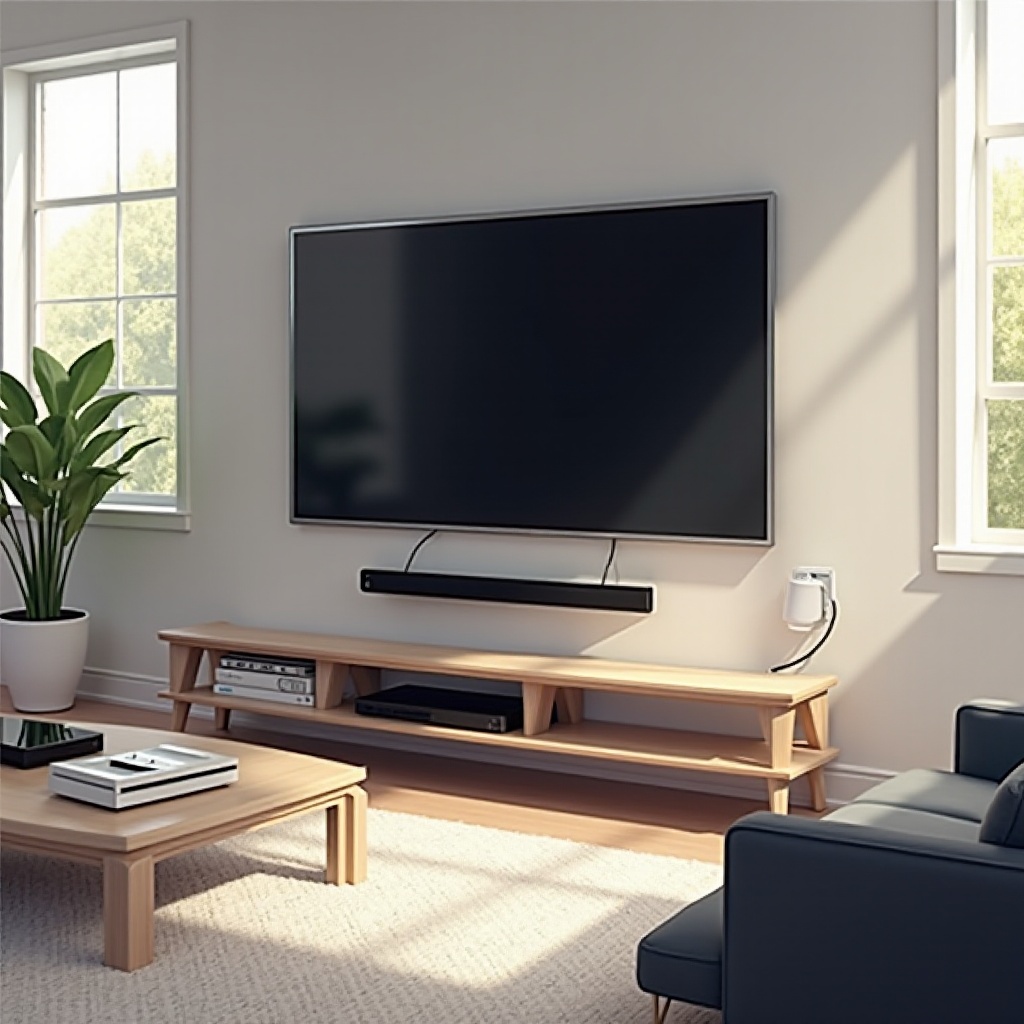
– Center the soundbar under the TV for balanced sound distribution.
– Keep the soundbar unobstructed by fixtures or furniture.
– Consider wall mounting to save space and improve alignment.
Calibrating Audio Settings for Different Room Sizes
Sound dynamics may vary with room size, so adjust settings accordingly. Modify bass and treble to suit acoustic characteristics, experimenting with different modes for optimal sound.
Using Sound Modes for Various Content Types
Optimize listening by selecting sound modes:
– Movie mode for rich audio details and dialog clarity.
– Music mode for a balanced frequency response.
– Night mode for softer, less intrusive sound.
With the optimal setup, issues might still occasionally occur. The next section offers solutions to common problems.
Troubleshooting Common Setup Issues
Occasionally, hiccups occur during setup. Here’s how to address common problems effectively.
No Sound Issues
– Ensure the soundbar and TV aren’t muted.
– Double-check the physical connections and inputs.
– Restart devices and re-establish the connection path.
Connectivity Problems
– Reconnect Bluetooth pairings in case of dropouts.
– Replace cables if persistent issues occur.
– Ensure ARC is activated in the TV settings for HDMI issues.
Remote Control Not Responding
Replace batteries and point the remote directly at the soundbar, ensuring there’s no interference.
After resolving issues, you can take your sound setup a step further with additional enhancements.
Additional Tips for Enhancing Your Audio Experience
These tips can ensure your Onn soundbar remains in top condition and deliver superior sound.
Accessory Recommendations
– Adding a subwoofer can deepen bass tones.
– Use soundbar brackets to ensure alignment.
Maintaining Your Soundbar for Longevity
– Keep software updated with regular firmware updates.
– Clean surfaces and connections to prevent dust accumulation.
These maintenance tips will help your soundbar perform exceptionally well over time, preserving high-quality sound for all your entertainment needs.
Conclusion
Following this comprehensive guide, setting up your Onn soundbar becomes a straightforward task that maximizes your listening experience. By carefully connecting, optimizing, and maintaining your soundbar, you ensure that you enjoy the highest audio quality possible with ease.
Frequently Asked Questions
How do I connect my Onn soundbar to a Smart TV?
Connect using HDMI ARC or Optical Audio and adjust TV audio settings accordingly.
Can I use multiple Onn soundbars together?
Typically, a single soundbar is sufficient for one setup, though some systems allow multiple connections via Bluetooth.
What should I do if my soundbar remote is not working?
Check battery levels and ensure a clear line of sight between remote and soundbar. Replace batteries if necessary.