
Introduction
Are you dealing with sluggish performance on your Roku TV? Whether it’s buffering, delayed responses, or prolonged loading times, these issues can hinder your entertainment experience. This comprehensive guide walks you through effective solutions to enhance your Roku TV’s responsiveness. Ready to transform your viewing experience? Let’s get started.
Identifying Common Roku TV Performance Problems
Understanding the problem is the first step towards resolving it. Roku TV users often encounter symptoms such as slow menus, delayed remote responses, and frequent buffering. These signs indicate performance issues that need to be addressed to restore your entertainment system to optimal functionality.
Recognizing the difference between minor hiccups and major slowdowns can guide your approach to resolving these issues. While some performance problems have straightforward fixes, others may demand a deeper look into connectivity or system settings.
Basic Troubleshooting Steps
Start your troubleshooting journey with simple steps that often clear minor glitches.
-
Restart your Roku TV to refresh the system and resolve basic issues. Turn off the TV, unplug it, and wait a few minutes before turning it back on.
-
Check for software updates. Navigate to the settings menu and ensure your Roku TV’s software is up-to-date to enhance performance and fix known bugs.
These steps are simple yet effective in addressing minor performance hitches, preparing your device for additional adjustments if necessary.
Enhancing Network Connectivity
Network stability is crucial for seamless streaming on your Roku TV. Weak signals or connectivity drops can significantly slow down your device.
-
Optimize Wi-Fi Settings: Ensure your TV is placed within a strong Wi-Fi signal range. If your TV shows a weak signal, consider relocating your router or TV for better reception.
-
Prioritize Ethernet Connections: For those seeking an even more stable connection, use an Ethernet cable. This physical connection can provide faster and more reliable streaming without the interference typical of wireless connections.
Improving your network configuration can eliminate many causes of Roku TV lag, paving the way for smoother performance.
Advanced Optimization Techniques
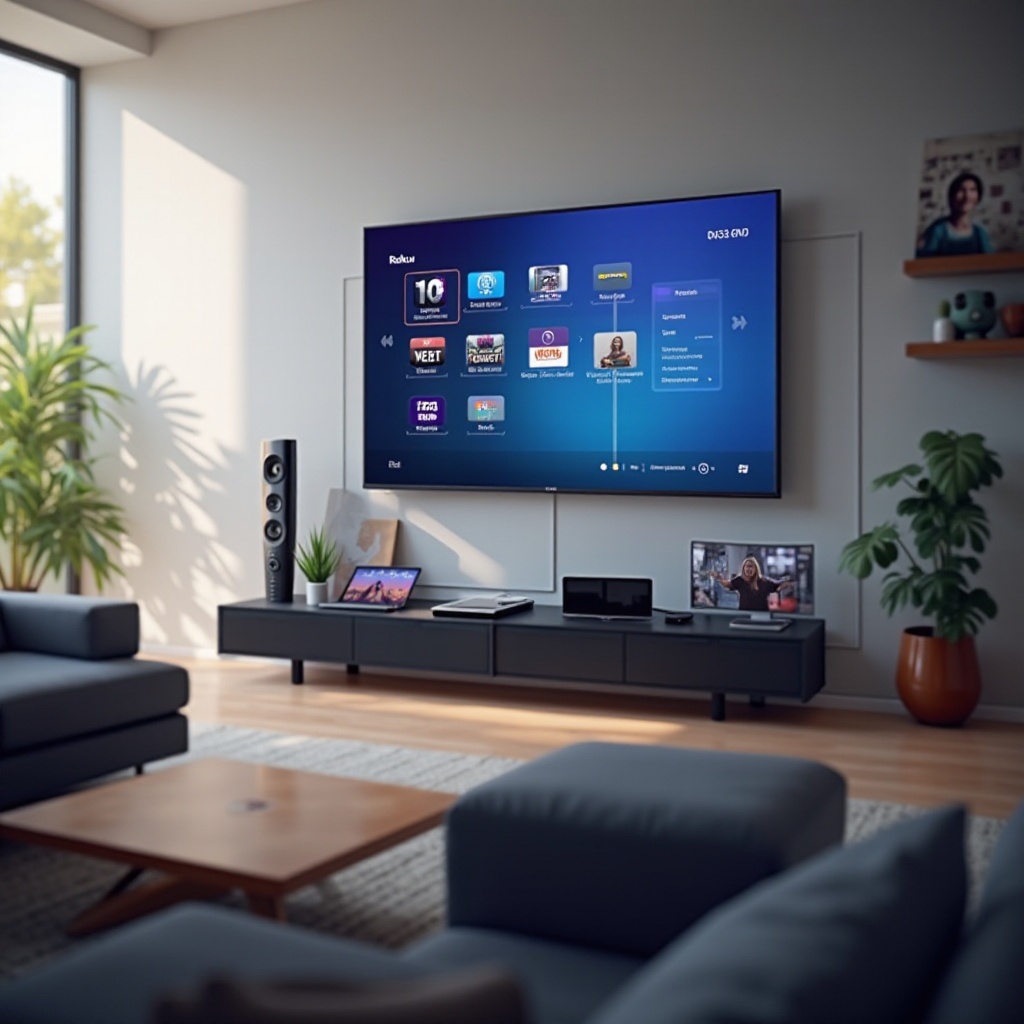
If your Roku TV is still laggy, dive into these advanced strategies to further boost its speed.
-
Clear Cache and Uninstall Unused Apps: Over time, apps accumulate data that can slow system performance. Regularly clearing cache and removing unnecessary apps can free up resources and improve speed.
-
Adjust System Settings: Tweak display settings to lessen the processing load. Consider reducing picture quality or turning off extraneous features like animations that may consume processing power.
These advanced methods can significantly enhance your TV’s efficiency, leading to a noticeably quicker response and more enjoyable streaming experience.
Hardware Considerations and Upgrades
In some cases, hardware might be the root cause of persistent performance issues. Reviewing your Roku TV’s hardware can provide insights into potential limitations or necessary upgrades.
-
Assess Your Roku TV Model: Older models may not support the latest updates and features, making them inherently slower. Consider whether your model can keep up with current technology requirements.
-
Upgrade When Necessary: If your device continues to struggle with performance, it might be time to invest in a new model equipped with updated hardware and improved processing capabilities.
Deciding on a hardware upgrade can unlock new features and resolve long-standing performance hurdles, restoring the efficiency that new technology promises.
Preventative Maintenance and Regular Updates
Maintenance is key to maintaining your Roku TV’s performance. Regular checks and updates can prevent performance decline over time.
-
Conduct Routine System Checks: Establish a schedule for updating software and performing system checks to alert you to potential issues early.
-
Emphasize Best Practices: Keep your setup clean, avoid overheating, and replace worn-out accessories to ensure consistent performance.
Staying proactive with maintenance can drastically reduce the likelihood of future issues, ensuring your Roku TV remains a reliable source of entertainment.
Conclusion
Performance issues on Roku TVs are common but not unbeatable. With practical steps and regular maintenance, you can resolve laggy performance, ensuring quick, smooth, and enjoyable streaming. Apply these solutions and watch your Roku TV transform back into the performant system you deserve.
Frequently Asked Questions
Why is my Roku TV lagging all of a sudden?
Sudden lag can result from recent software updates, network issues, or an increased number of apps and cached data.
How often should I update my Roku TV software?
It is recommended to check for updates monthly, as updates offer important performance enhancements and security fixes.
What should I do if my Roku TV is still slow after troubleshooting?
If performance issues persist, reach out to Roku’s support or consider evaluating whether a hardware upgrade is needed.