
Introduction
The Wii remote enhances the dynamic experience of gaming on the Nintendo console, but issues can arise, interrupting gameplay fun. Whether you’re dealing with connectivity nuisances or unresponsive buttons, fixing these problems often involves straightforward solutions. This guide addresses common issues and their resolutions, helping you save time and enhance your gaming sessions.
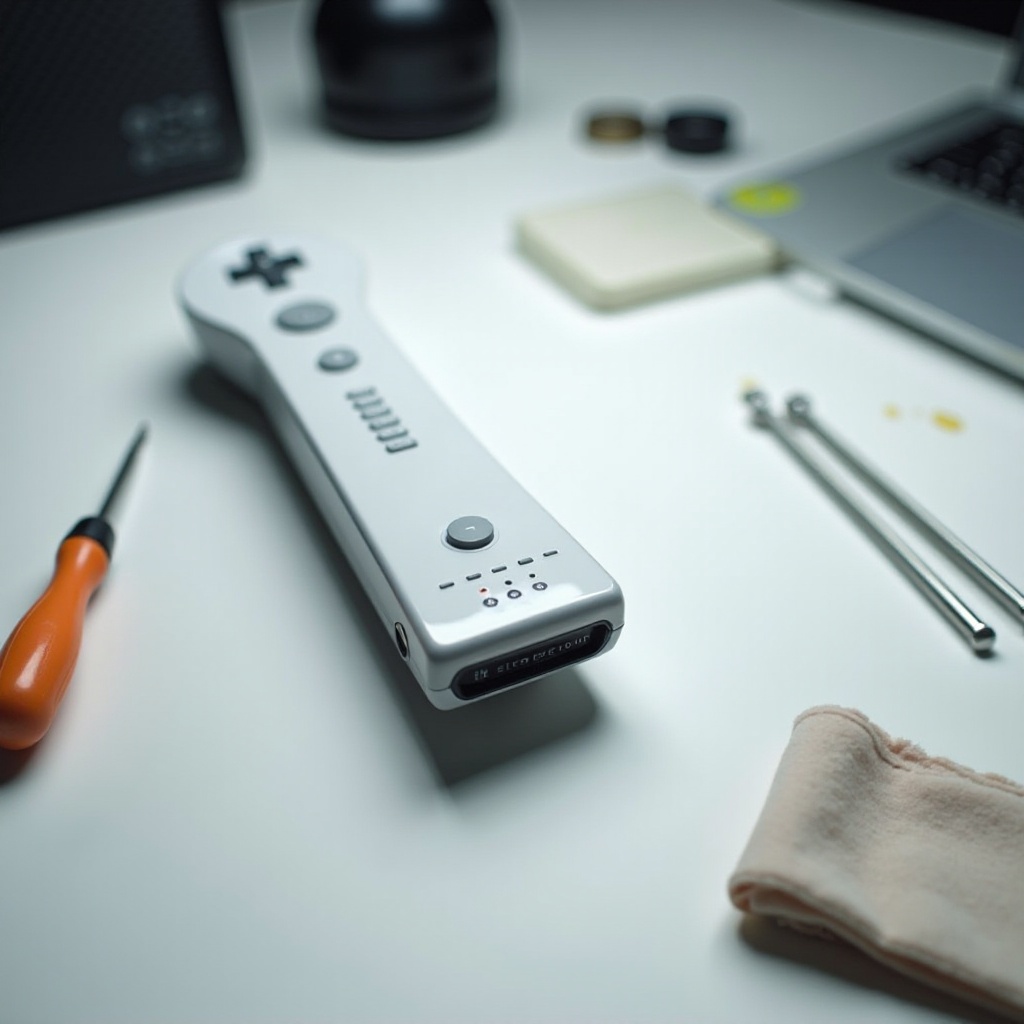
Common Wii Remote Issues and Their Causes
Issues with the Wii remote can stem from several sources, ranging from simple to complex:
– Connectivity Problems: Often manifested through syncing issues and can be caused by signal interference or incorrect pairing.
– Battery Issues: Dead or improperly positioned batteries hinder the remote’s operation.
– Sensor Malfunctions: Dirt or obstructions might impair the sensor’s accuracy.
Recognizing these common concerns is crucial for effective troubleshooting and is the foundational step before delving into solutions.
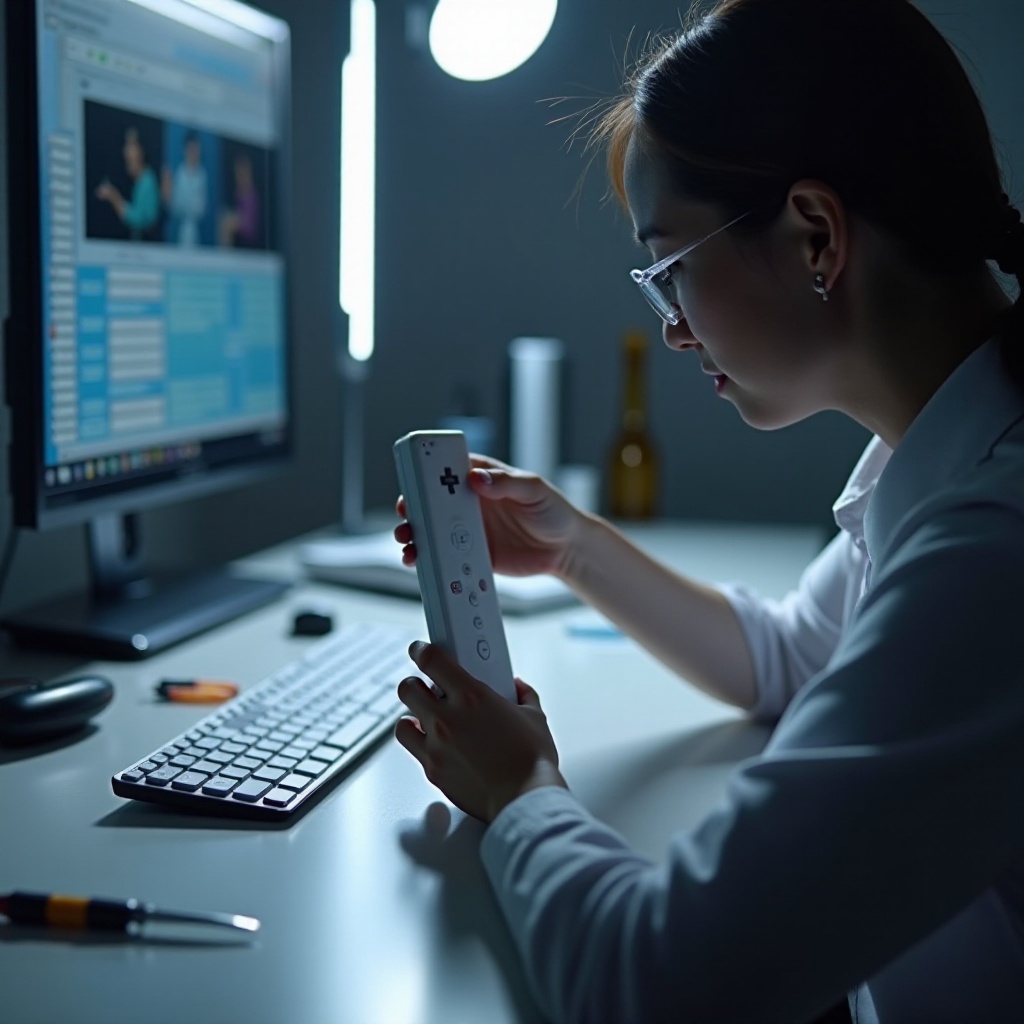
Basic Troubleshooting Steps
Address these basic steps to resolve common remote problems before trying more complex fixes:
1. Check and Replace Batteries: Remove and inspect batteries for proper position. Replace with fresh, fully charged batteries if necessary.
2. Re-sync the Wii Remote: Press the sync button on both the Wii console and inside the battery compartment of the remote. Wait until the flashing blue lights stabilize.
3. Clean the Remote and Sensor Bar: Use a soft cloth to gently clean the remote and sensor bar, removing any debris that could obstruct function.
Tackling these steps should clear up many common issues. Issues that persist will likely require advanced troubleshooting.
Advanced Troubleshooting Techniques
When basic steps fall short, these advanced methods may assist:
– Inspecting for Physical Damage: Check the remote for visible damage like cracks or loose components. Such damage may require repair or replacement.
– Testing with Other Remotes: Try syncing another remote to discern if the issue lies with the console or a specific remote.
– Software Updates and Resets: Ensure the Wii console is updated with the latest software. Perform a soft reset if necessary by holding the power button until the console resets.
Effective troubleshooting often transitions from simple adjustments to these advanced techniques. Failing resolution, DIY interventions might be what you need.
DIY Fixes for Persistent Problems
If troubleshooting hasn’t resolved the issue, consider these DIY solutions:
– Replacing the Sensor Bar: A malfunctioning sensor bar can be a source of persistent issues. Buy and install a new sensor bar.
– Repairing Internal Components: Open the remote using a precision screwdriver set. Inspect for visibly damaged or dislodged components that may require adjusting or replacement.
– Utilizing Third-Party Repair Kits: These kits come with tools and instructions for handling common repairs. Follow these carefully to avoid causing additional damage.
DIY repairs can extend the life of your remote and offer a cost-effective solution when traditional methods have been exhausted.
When to Seek Professional Help
Certain issues may necessitate professional expertise:
– Signs of Irreparable Damage: If the remote remains unresponsive or exhibits severe physical damage, professional assessment might be needed.
– Contacting Nintendo Support: If under warranty, Nintendo support can offer repairs or replacement. In cases beyond warranty, professional services may provide a solution.
Recognizing when professional help is needed can spare unnecessary effort and prevent further damage to your console’s peripherals.
Conclusion
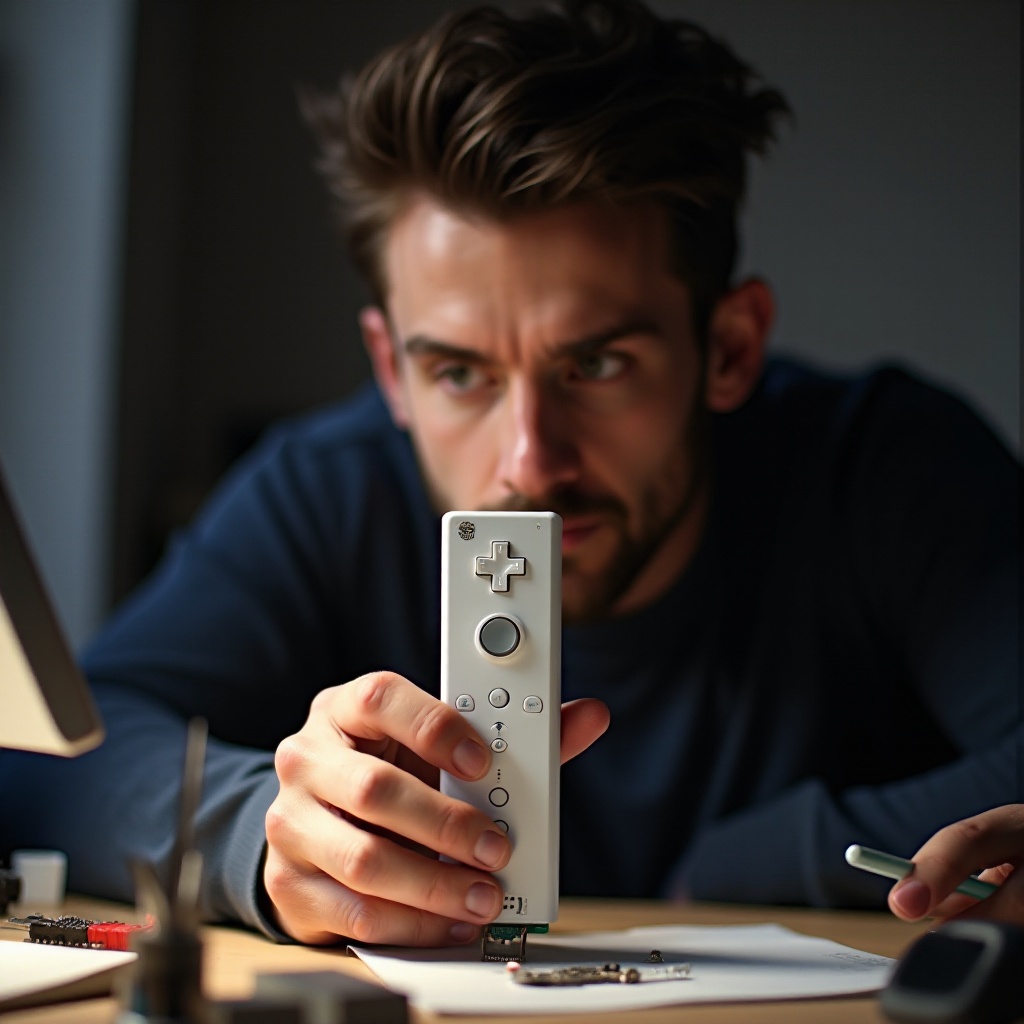
Fixing a Wii remote encompasses a range of simple to advanced solutions. From replacing batteries to consulting professionals, understanding the root of the problem is key. By following these guides, you can often restore your remote to optimal function, ensuring uninterrupted gaming pleasure.
Frequently Asked Questions
Why does my Wii remote keep disconnecting?
Interference or weak batteries usually cause this. Check for nearby electronic devices and replace the batteries.
How can I fix a Wii remote that won’t turn on?
Start by replacing the batteries. If it still doesn’t work, check for physical damage or internal component issues.
What do I do if none of the troubleshooting steps work?
Contact Nintendo support or consider professional repair services to explore further solutions.