
Introduction
Reolink WiFi Doorbells are renowned for enhancing home security with their advanced features, particularly two-way audio, which is essential for communication with visitors. However, when audio issues arise, it can compromise the overall security of your setup. This comprehensive guide will walk you through troubleshooting and maintaining your Reolink WiFi Doorbell to ensure seamless operation and optimal performance.
Understanding the Reolink Doorbell’s Audio System
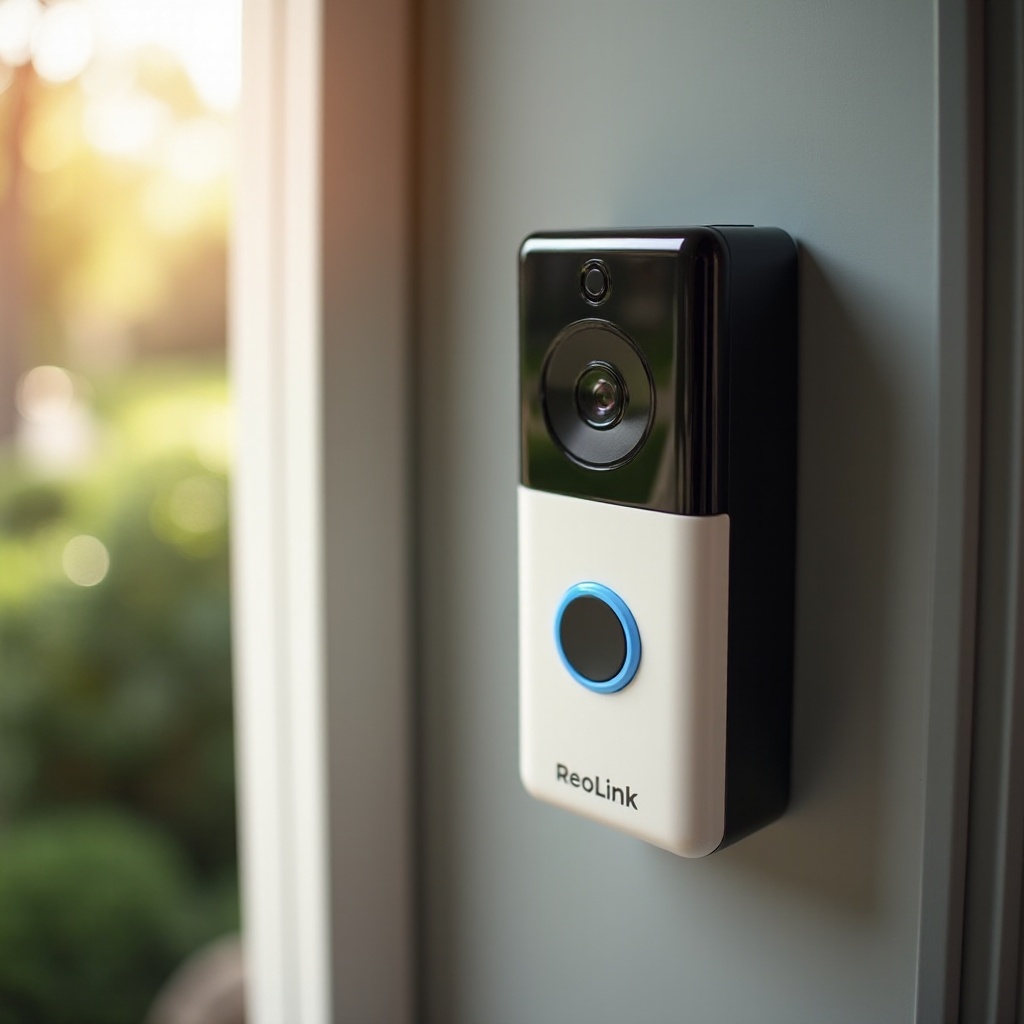
To tackle audio problems effectively, a basic understanding of the doorbell’s audio components is necessary. The Reolink doorbell includes a speaker and microphone, integral to its functionality.
- Audio Components Overview: The system comprises a robust speaker and a microphone designed for clear communication. Together, they deliver two-way audio, essential for interaction with visitors.
- How the Speaker System Operates: The speaker translates digital signals from the Reolink app into sound, enabling you to converse with visitors at your door.
Knowing these components allows us to better diagnose issues and apply targeted fixes effectively. Next, we’ll explore common causes of audio issues.
Common Causes of Audio Issues
Identifying the root cause of audio problems is key to effective troubleshooting.
- Connectivity Problems: A reliable WiFi connection is vital. Weak signals can cause audio disruptions.
- Software and App Glitches: Bugs or outdated firmware can impair doorbell communication.
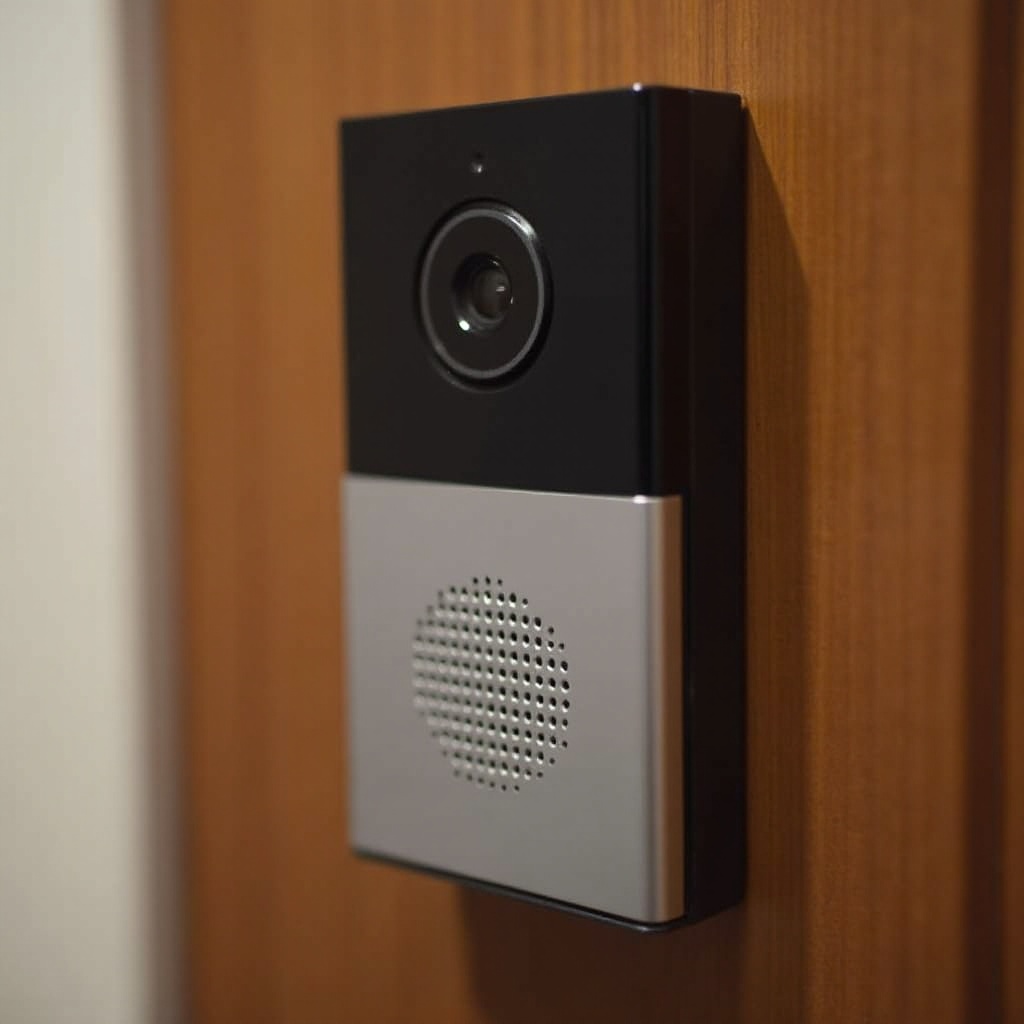
- Physical Damage to the Speaker: Exposure to elements may degrade the speaker or microphone quality over time.
Understanding these issues helps in addressing them methodically. Now, let’s move on to preliminary troubleshooting steps.
Preliminary Troubleshooting Steps
Start with these basic troubleshooting steps to address audio issues efficiently:
- Check Your WiFi Connection: Ensure your doorbell maintains a strong and stable WiFi connection. If needed, adjust your router’s position or add a WiFi extender.
- Inspect the Speaker and Microphone: Look for physical obstructions or damage. Debris can impede sound quality, so keep these areas clean.
- Verify App Permissions and Updates: Ensure the Reolink app is current and holds all necessary permissions on your phone. Regular application and firmware updates often resolve minor issues.
If these steps don’t resolve the issue, more advanced solutions may be required down the line.
Advanced Troubleshooting Solutions
Should the audio issues persist, the following advanced troubleshooting steps could offer a resolution:
- Update Firmware and Software: Ensure both your app and doorbell firmware are up to date. Check for updates through the Reolink app or website.
- Resetting the Doorbell: Perform a reset according to manufacturer instructions, which can resolve certain unresolved issues by returning the device to default settings.
- Reconfiguring Network Settings: Optimizing network settings can enhance connectivity and audio quality. For dual-band routers, a dedicated channel for the doorbell may help.
These advanced methods require technical attention but can significantly improve doorbell performance.
Long-term Maintenance Tips
Regular maintenance ensures the longevity and efficiency of your Reolink WiFi Doorbell.
- Regular App and Firmware Updates: Frequently update your app and firmware to sustain optimal function and resolve potential issues proactively.
- Cleaning and Inspecting Hardware: Regularly inspect for physical wear and clean the speaker and microphone to maintain audio clarity and prevent degradation.
Proactive maintenance helps ensure your doorbell operates without interruption and remains dependable.
When to Contact Support
If troubleshooting does not solve the issues, seeking professional assistance is advisable.
- Identifying Hardware Failures: Significant issues beyond your capacity might be hardware-related and require professional intervention.
- Utilizing Reolink Support Services: Reolink’s support team can provide specific guidance and arrange for repair or replacement services if necessary.
Professional support ensures comprehensive problem-solving and maintenance, keeping your doorbell functioning effectively.
Conclusion
Addressing Reolink WiFi Doorbell audio issues involves understanding the technical aspects, identifying common problems, and following a structured troubleshooting approach. Consistent maintenance and applying advanced solutions ensure your doorbell serves you well. Don’t hesitate to reach out to Reolink for expert support if needed.
Frequently Asked Questions
Why can’t I hear visitors through my Reolink doorbell speaker?
Possible reasons include connectivity issues, outdated firmware, or physical obstructions affecting the speaker.
How do I reset my Reolink WiFi doorbell?
Locate the reset button on your device, press and hold it until the system restarts, following the manufacturer’s instructions carefully.
What should I do if updating the firmware doesn’t fix audio issues?
If issues persist after an update, consider resetting your device, checking your network, or consulting Reolink support for further assistance.